
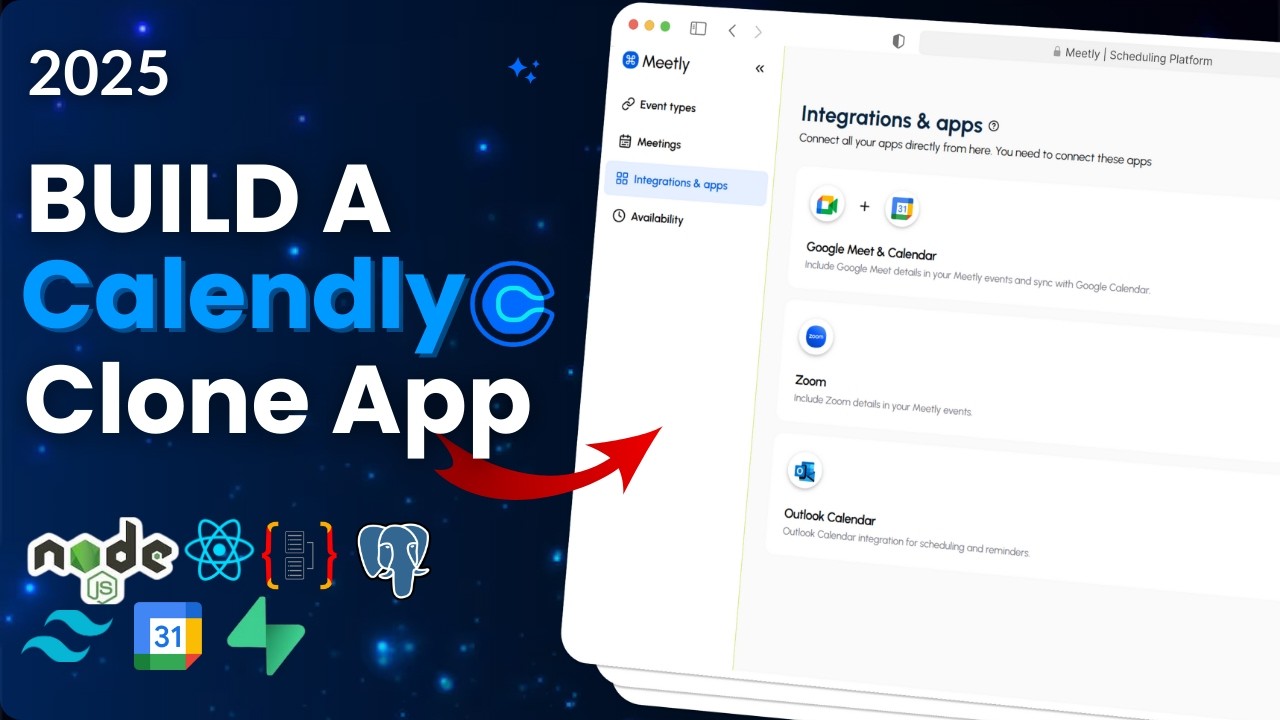
Build a Calendar Scheduling Platform with Node.js, React, Google Calendar API, TailwindCSS
Learn to Build a Calendly Clone with the PERN Stack
Get the complete source code and build along.
About this course
👋 Hey everyone!
Build the ULTIMATE 9-hour Calendar Scheduling Platform
In this step-by-step tutorial, you’ll learn how to create a Calendly Clone from scratch using Node.js, React/Next.js, Google Calendar API, Tailwind CSS, Shadcn/UI, TypeORM, and Supabase PostgreSQL.
You’ll implement advanced features like event creation, integrations, auto-detect time zones, and more. Whether you’re a beginner or a pro, this tutorial will guide you through building a full-stack Calendar Scheduling Platform with all the essential functionalities of a real-world app.
🗝️ Key Features: 👇
🔐 Easy Sign-Up & Login (Using JWT Authentication)
📅 Create Events (Public or Private)
🔗 Share Your Unique Booking Link (Clients Book Instantly!)
⏳ Set Your Availability & Time Slots (No Double-Booking!)
🌍 Auto-Detect Time Zones
📆 Custom-Built Calendar – No Plugins!
🔄 Integration & Apps (Sync Your Google Meet & Calendar)
✅ Track Upcoming, Past & Canceled Meetings
🕰️ Switch Between 12h & 24h Formats
💻 Built with: Node.js, TypeORM, PostgreSQL, React.js
💿 Supabase Postgres Database
🎨 Tailwind CSS v4 & Shadcn-ui
By the end of this tutorial, you’ll have hands-on experience building a professional, full-featured Calendar Scheduling Platform, perfect for your portfolio or next project!